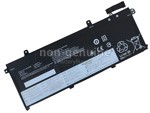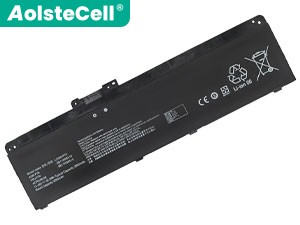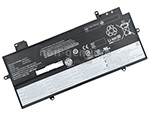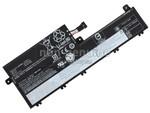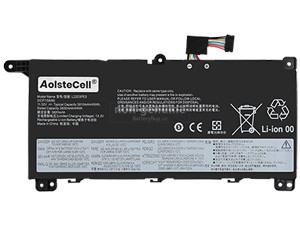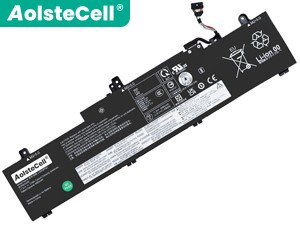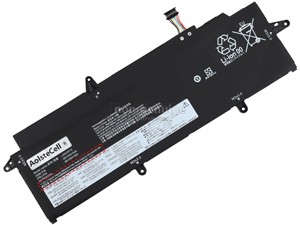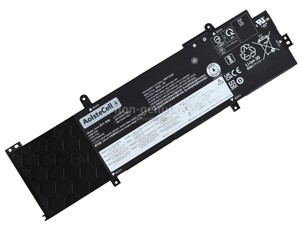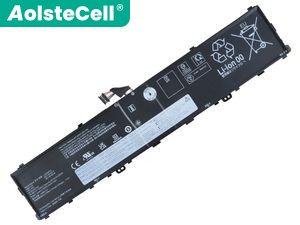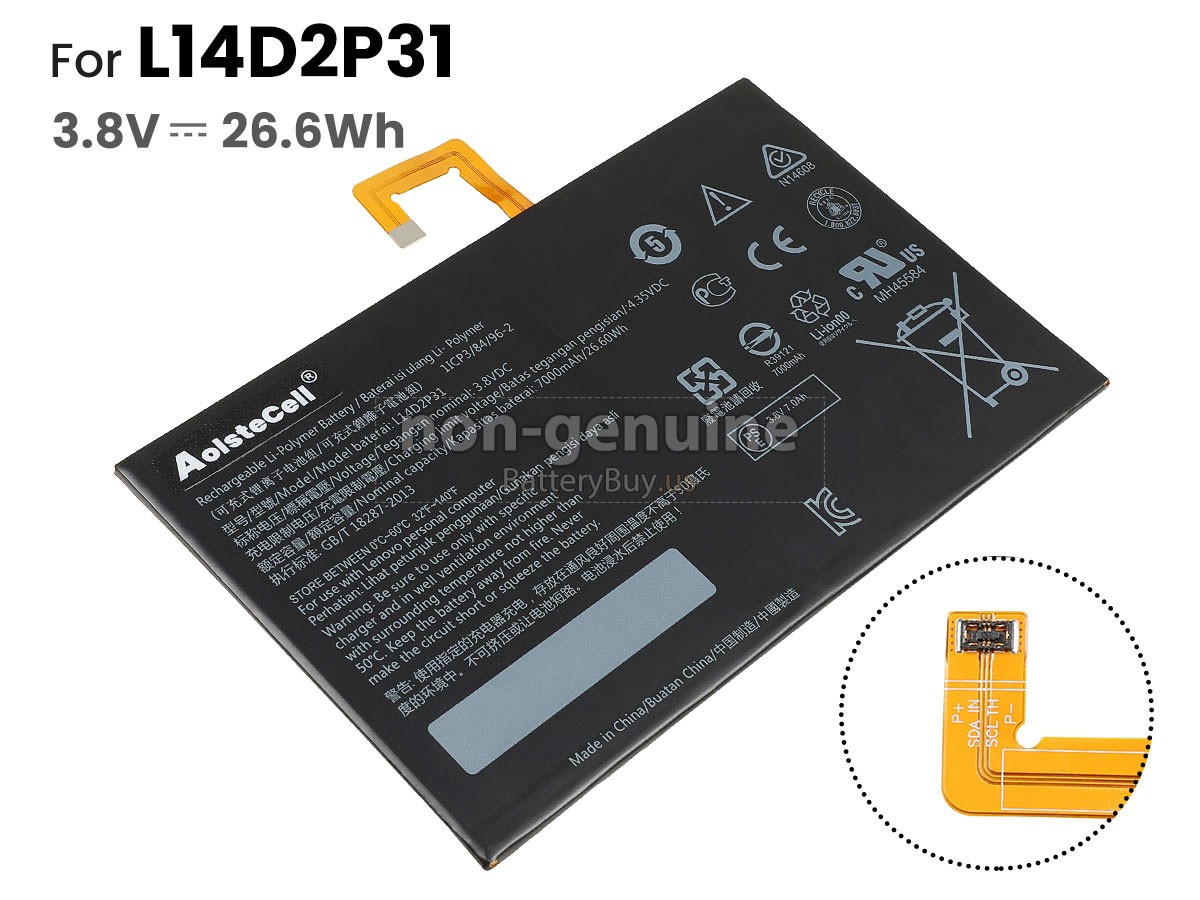
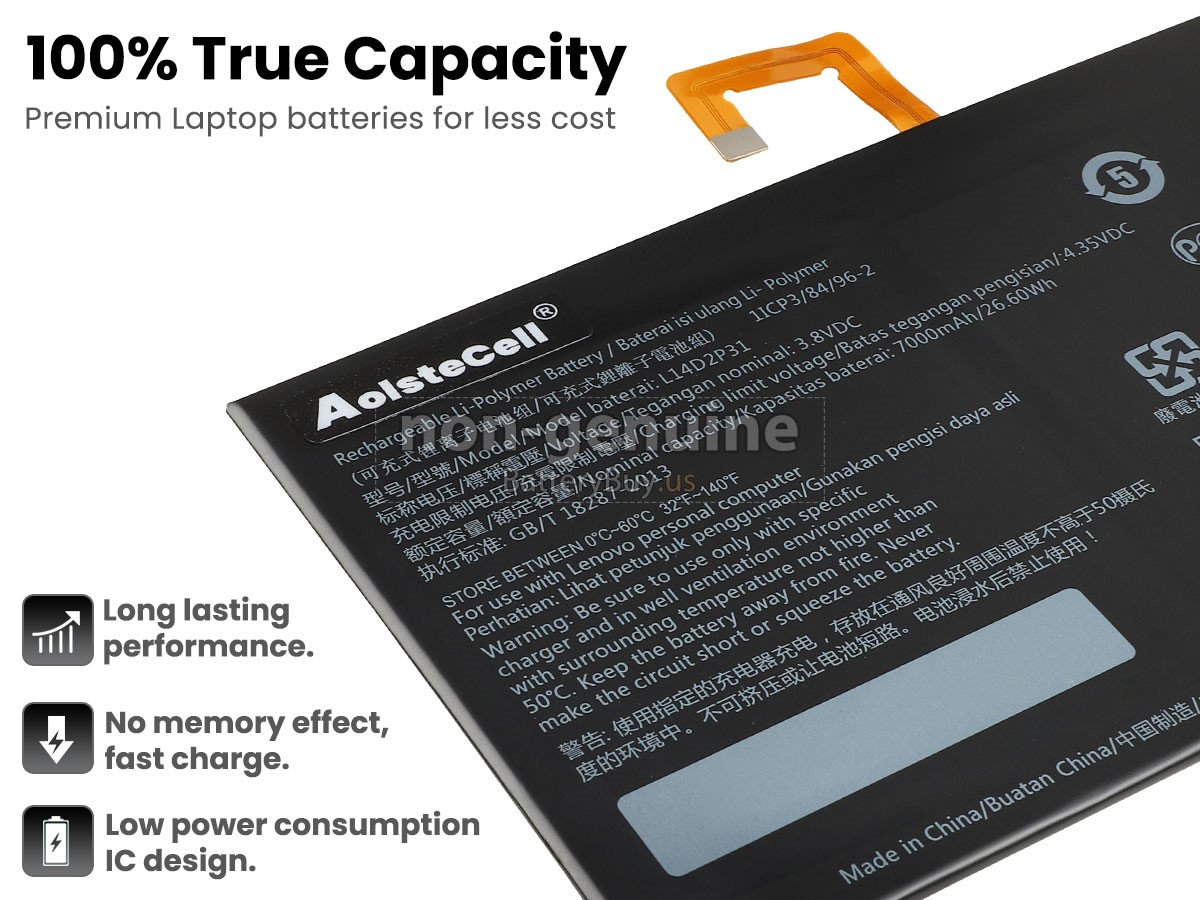
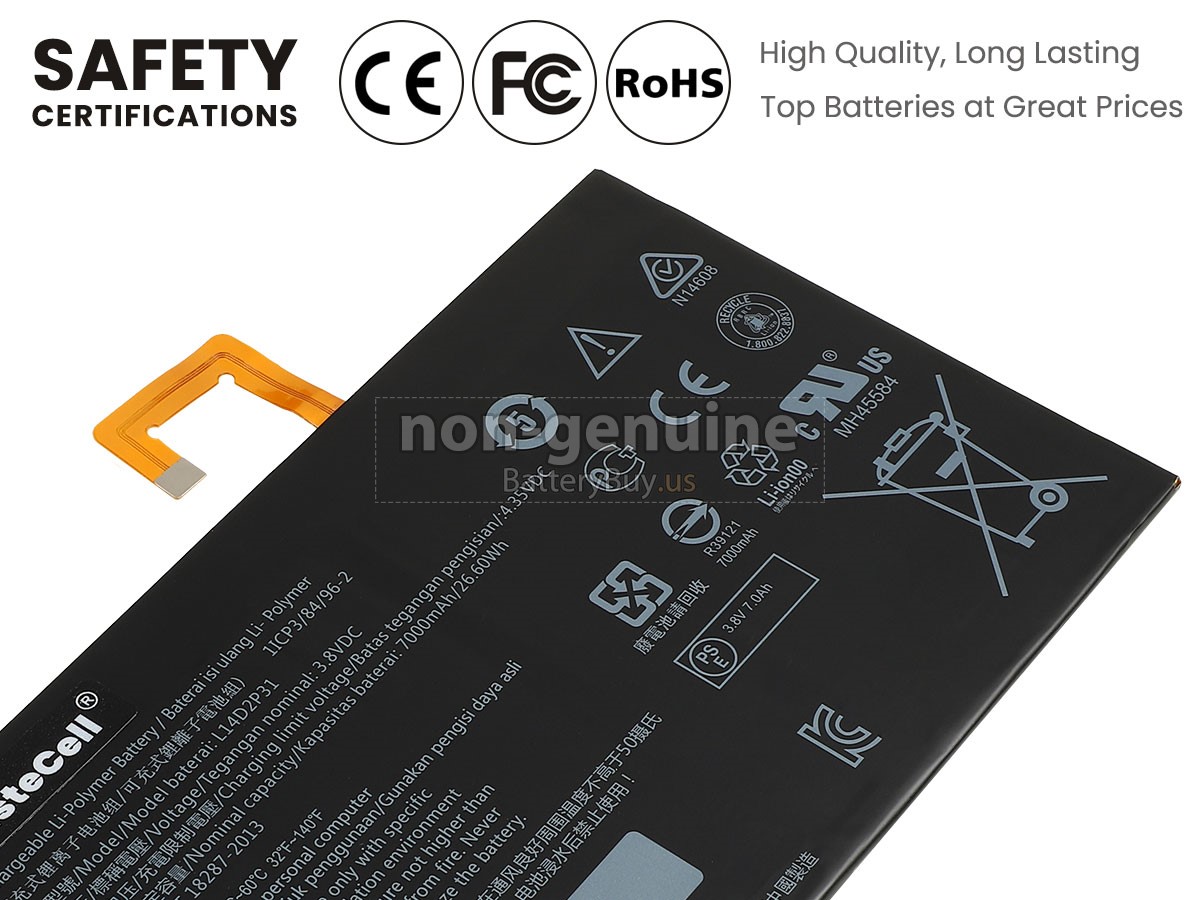
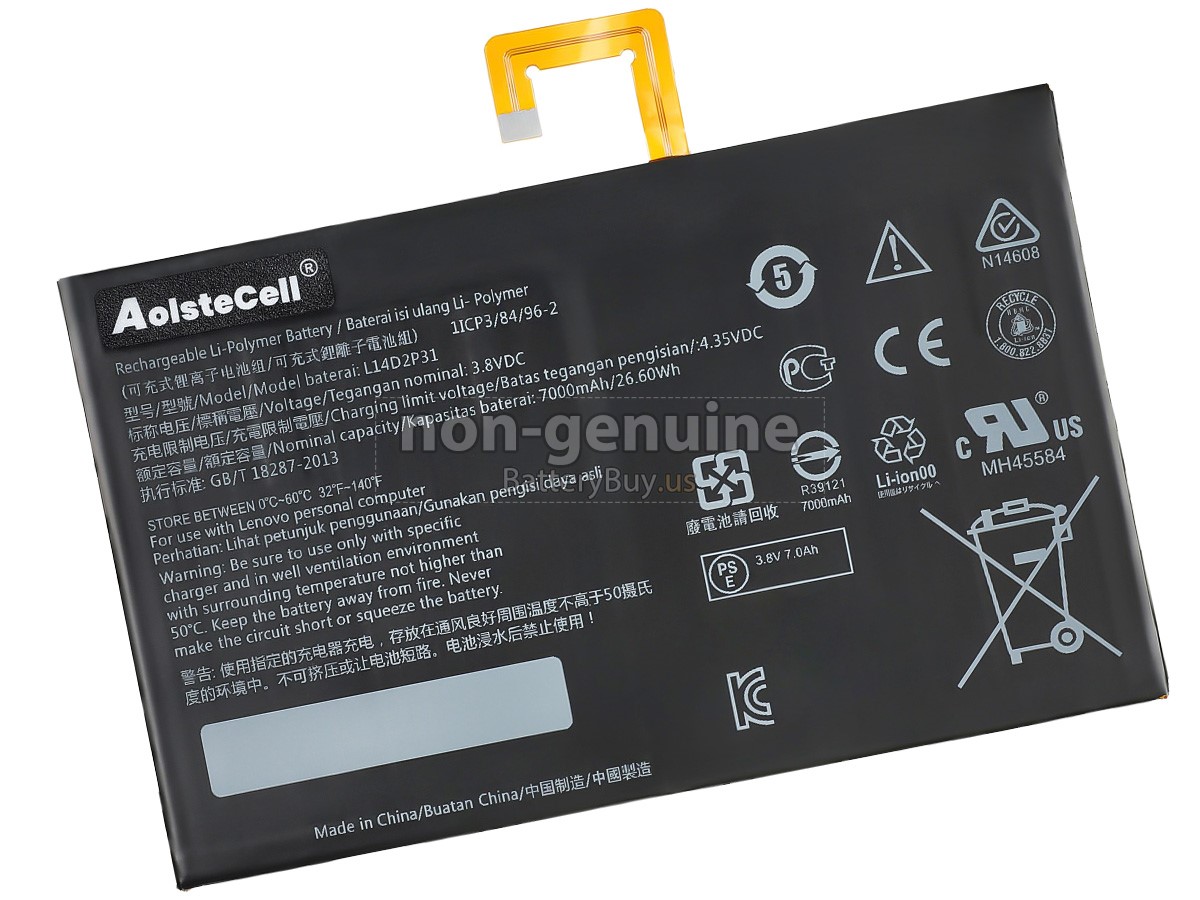
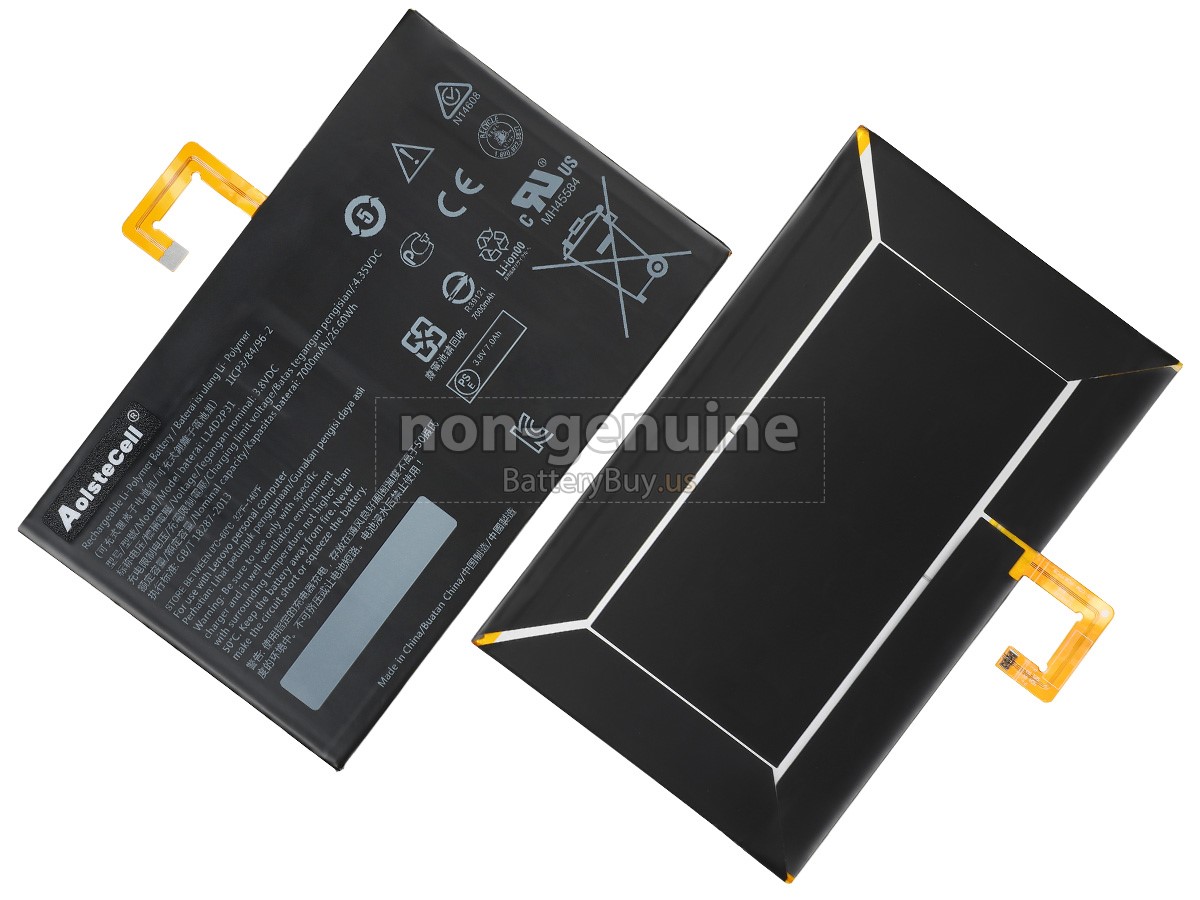
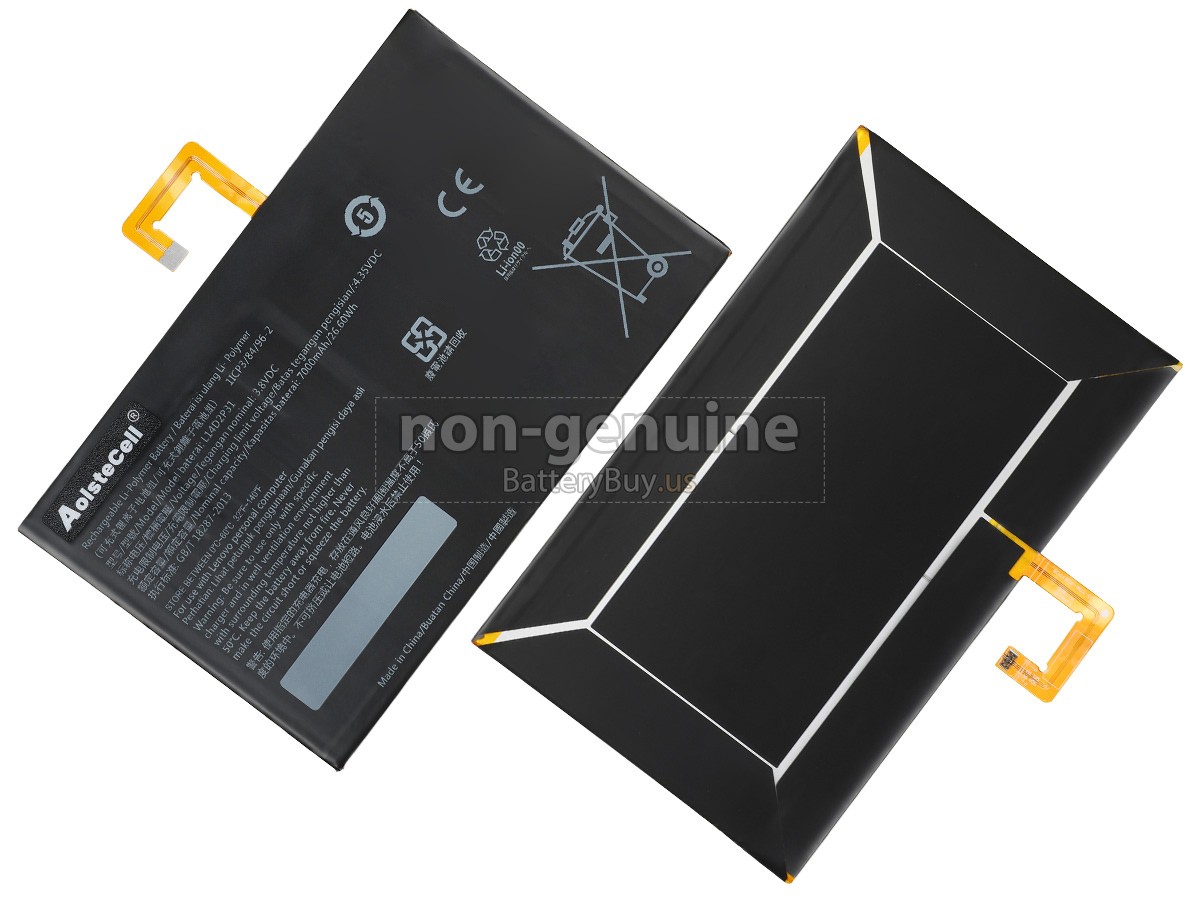

Lenovo TAB 2 A10-30L 26.6Wh High-Quality Replacement Battery
- SKUBUS3266
- ConditionReplacement, Brand New
- Voltage3.8V
- Capacity26.6Wh
- Number of Cells2 cells
- Cell TypeLi-Polymer
- ColorBlack
- Size*mm(L x W x H)
- Warranty1 Year
- AvailabilityIn Stock
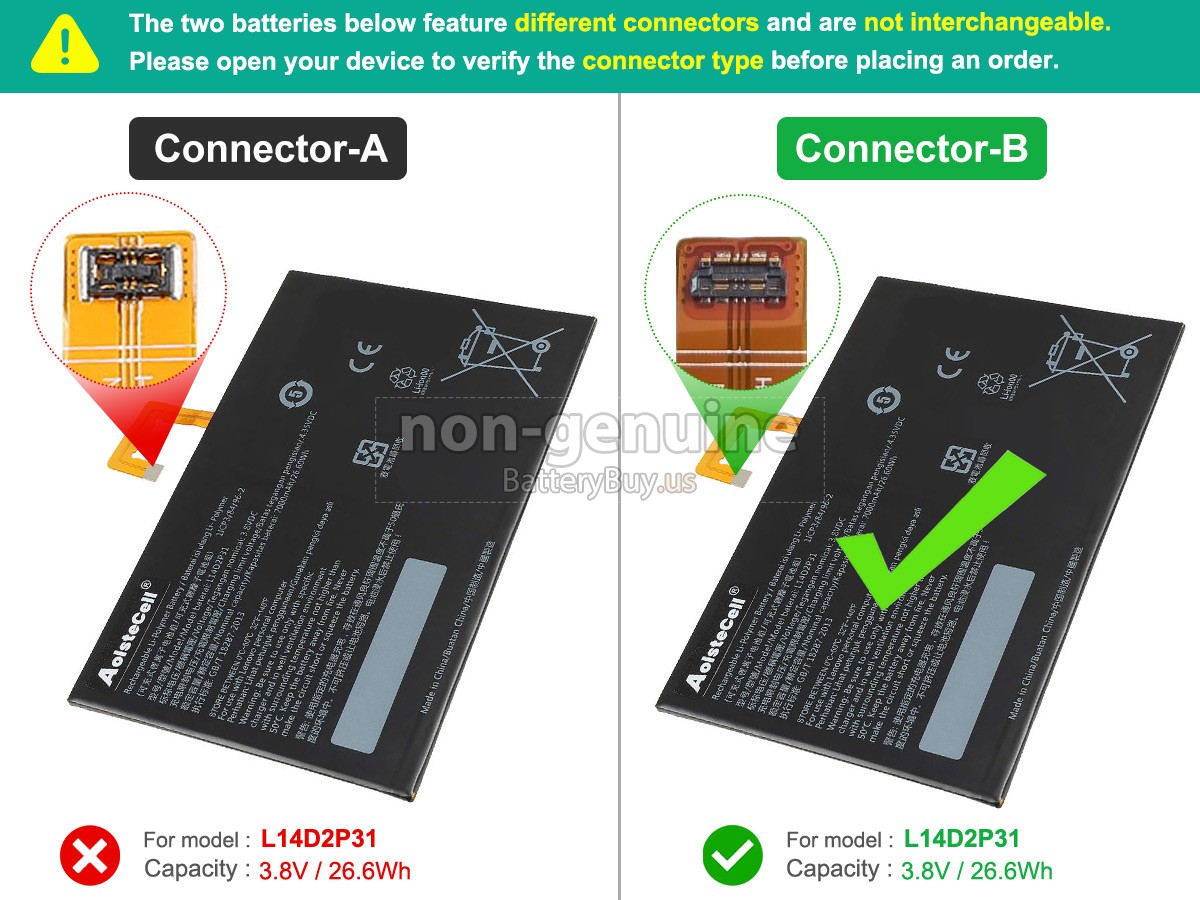
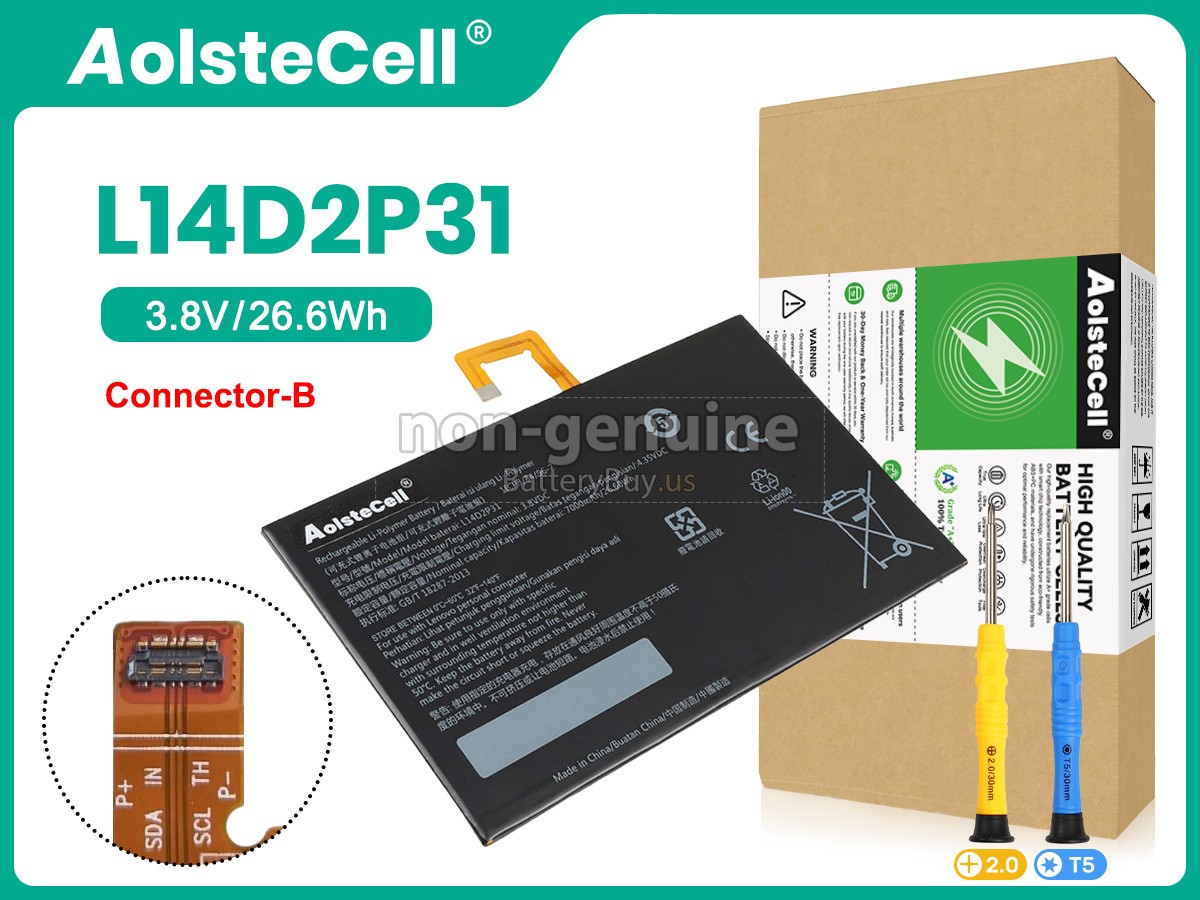
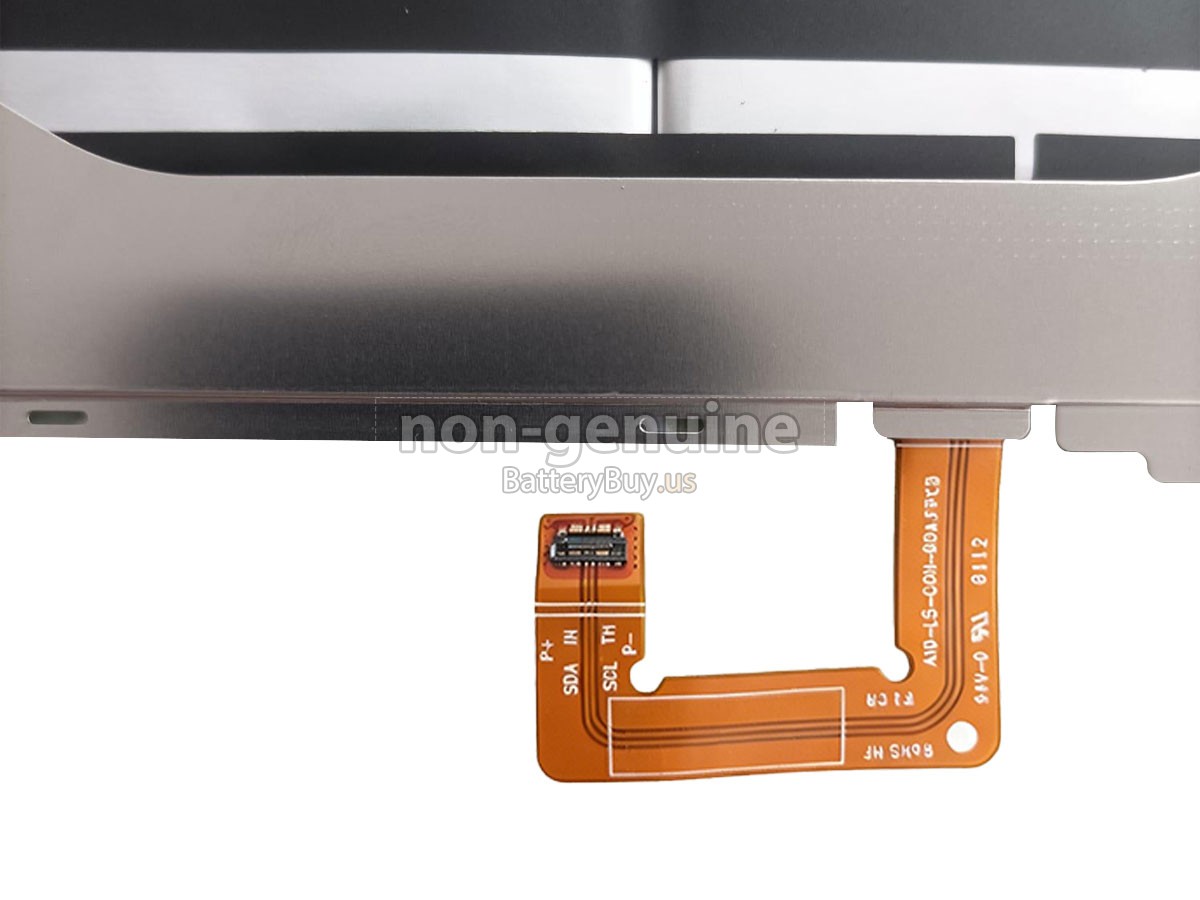
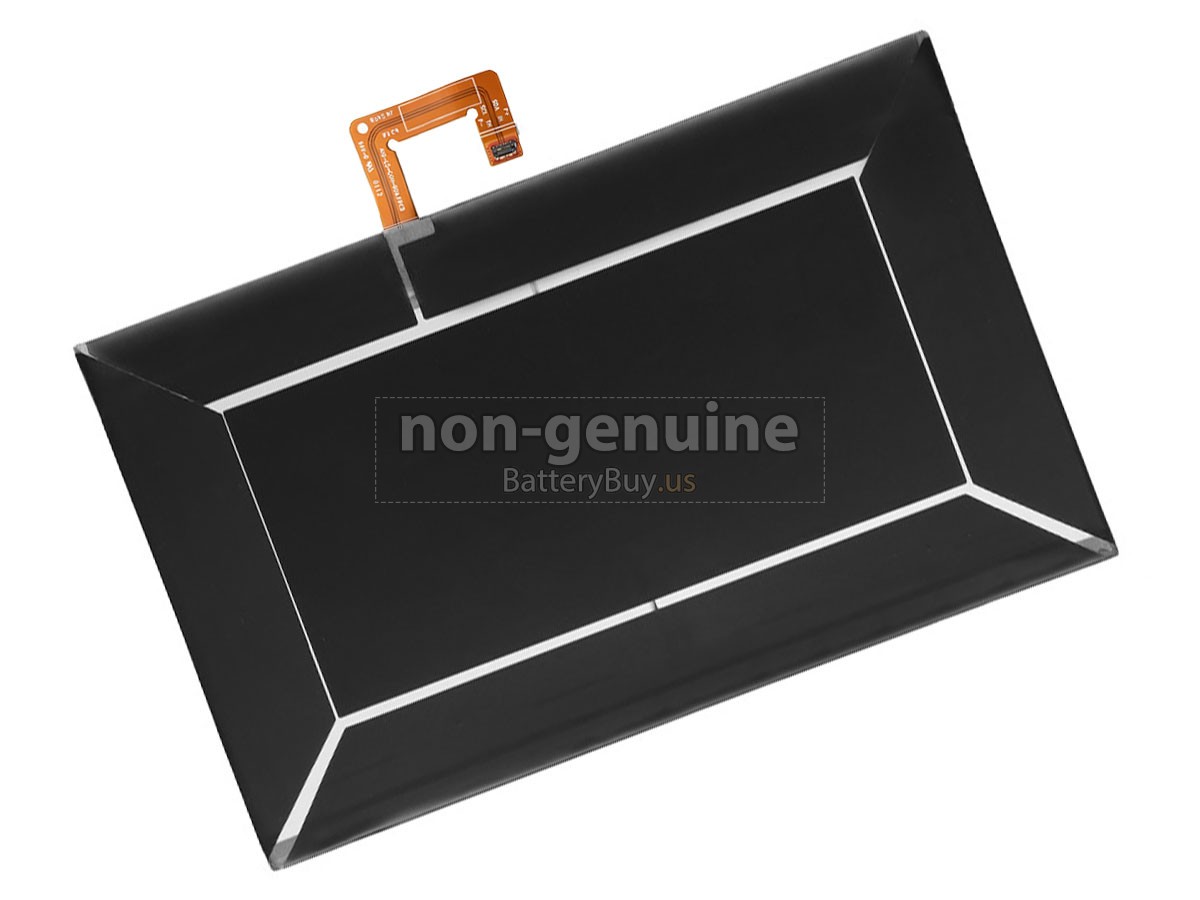
Lenovo TAB 2 A10-30L 26.6Wh High-Quality Replacement Battery
- SKUBUS13156
- ConditionReplacement, Brand New
- Voltage3.8V
- Capacity26.6Wh
- Number of Cells2 cells
- Cell TypeLi-Polymer
- ColorBlack
- Size*mm(L x W x H)
- Warranty1 Year
- AvailabilityIn Stock
Product Description
Excellent Quality,Thorough Service
This replacement battery for Lenovo TAB 2 A10-30L is designed to meet OEM specifications and provide a reliable solution for replacing a worn, aging, or malfunctioning laptop battery. It helps restore portable performance and supports everyday computing tasks such as web browsing, office work, online learning, and media streaming.
Built with high-quality lithium-ion cells, the battery delivers stable power output and consistent discharge performance during daily use. It is designed to support dependable operation while helping reduce unexpected shutdowns associated with battery wear.
The battery is engineered for compatibility with devices that use the Lenovo TAB 2 A10-30L battery and supports direct replacement without additional configuration. It also features no-memory-effect charging technology, allowing flexible charging without negatively affecting long-term battery performance.
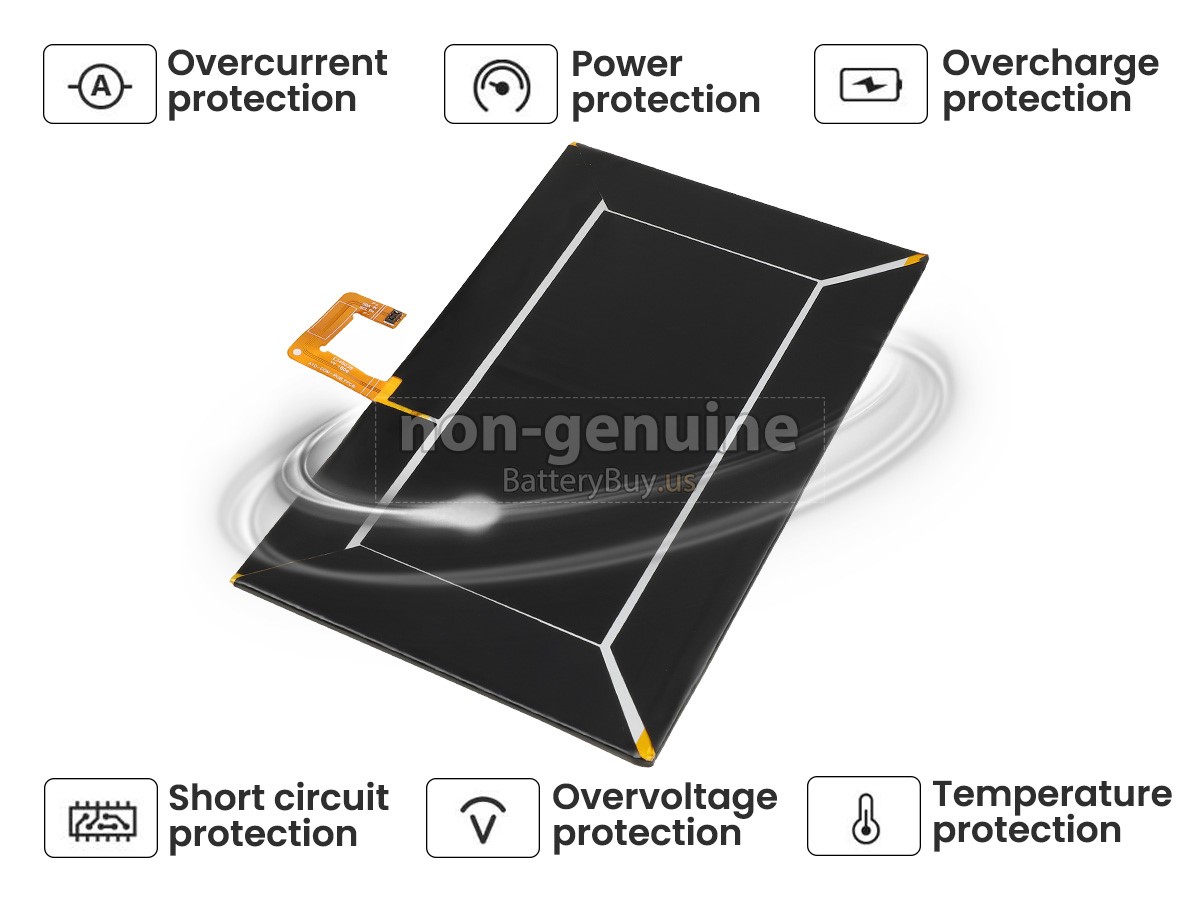
To help ensure safe operation, the integrated protection system includes overcharge protection, over-discharge protection, over-current protection, short-circuit protection, over-heating protection, and voltage regulation safeguards. Each battery undergoes quality and compatibility testing before shipment.
All batteries are packaged with anti-static and shock-resistant materials to help protect the battery during transportation and ensure safe delivery.
Orders are typically processed within 1–2 business days after payment confirmation. Most U.S. orders are delivered within 3–5 business days after shipment, and tracking information is provided for all orders. For international shipping details, please refer to the Shipping Methods section on this page.
Multiple Intelligent Protection
- INTELLIGENT PROTECTION
- VOLTAGE PROTECTION
- SHORT CIRCUIT PROTECTION
- ESD PROTECTION
- OVER HEAT PROTECTION
- OVER (DIS)CHARGE PROTECTION
- CHARGING TIME PROTECTION
- CLASS A PROTECTION
Compatible Battery Part Numbers
Note: The list of compatible Lenovo TAB 2 A10-30L laptop battery models is continuously being updated. If you are not sure whether this battery is compatible with your laptop, please contact us through the "Support for battery search" service for assistance.
Compatible Laptop Models
Shipping Methods
Payment Methods

Warranty
1-Year Warranty
All our high-quality replacement batteries for Lenovo TAB 2 A10-30L laptop come with a 1-year warranty. Warranty is applicable if the buyer has installed the battery properly in the device and has treated the battery correctly.
30-Day Money Back Guarantee
Our goal is to turn partial customer satisfaction into 'Total Customer Satisfaction'. That's why we offer you a 30-day money back guarantee, except for warranty and return for defects!
Please note: To qualify yourself for reimbursement, please contact our customer service first and get instructions before returning your parcel.
Returns
If you have a problem with one battery which bought from us, please contact us first. We will process your request and try to find a solution to your problem. Once it cannot be fixed by our technical support engineer, we will generate an RMA number (Return Material
Authorization) for you to return the faulty battery. we will ship out a new battery without extra charge if the returned one turns out to be defective.
Please note: we won't process returned batteries if you don't provide an RMA number on the returned parcel.
FAQs
- 1 Locate your laptop model number or the part number printed on your original battery, then check whether it appears in the "Compatible Laptop Models" or "Compatible Battery Part Numbers" section on this page.
- 2 Make sure the voltage of this replacement battery matches the voltage of your original battery.
- 3 Compare the battery shape, connector position, and product images with your existing battery to ensure a correct match.
A: No. Extended initial charging is not required for lithium-ion batteries. Once the battery reaches full charge, the charging system automatically stops supplying charging current. For best results, fully charge the battery before first use and then follow normal charging habits without intentionally overcharging.
A: No. Modern lithium-ion batteries are factory activated and ready for normal use upon arrival. There is no need to perform multiple full charge and discharge cycles to "activate" the battery. Simply install the battery, charge it normally, and begin using your laptop as usual.
A:
To help maximize battery lifespan and maintain stable performance, avoid regularly draining the battery to 0% and recharge it before the power level becomes critically low.
- 1 Keep the battery away from excessive heat, direct sunlight, and high-humidity environments, as high temperatures can accelerate battery aging.
- 2 If the battery will not be used for an extended period, store it in a cool, dry place with approximately 40%–60% charge rather than fully charged or completely discharged.
- 3 For long-term storage, it is recommended to check and recharge the battery every few months to help prevent over-discharge.
- 4 Using the correct charger and following the device manufacturer's charging recommendations can also help maintain battery capacity, charging efficiency, and overall service life.
Best Selling Batteries