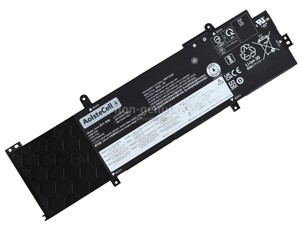
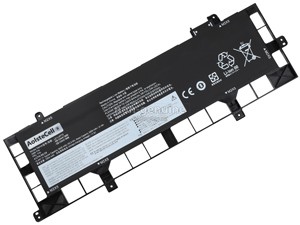
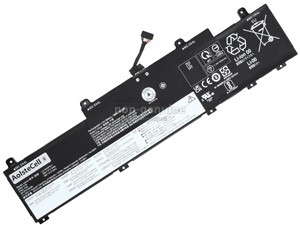
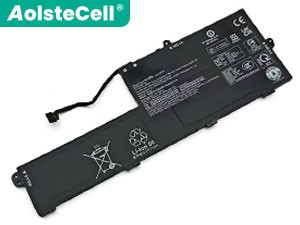
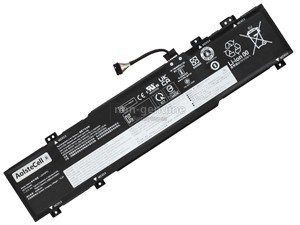
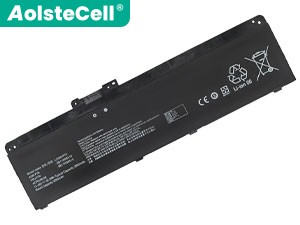
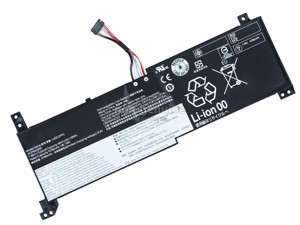
High-grade Battery for Lenovo ThinkPad E14 GEN 7-21U2002EMN (48Wh, 3 cells)
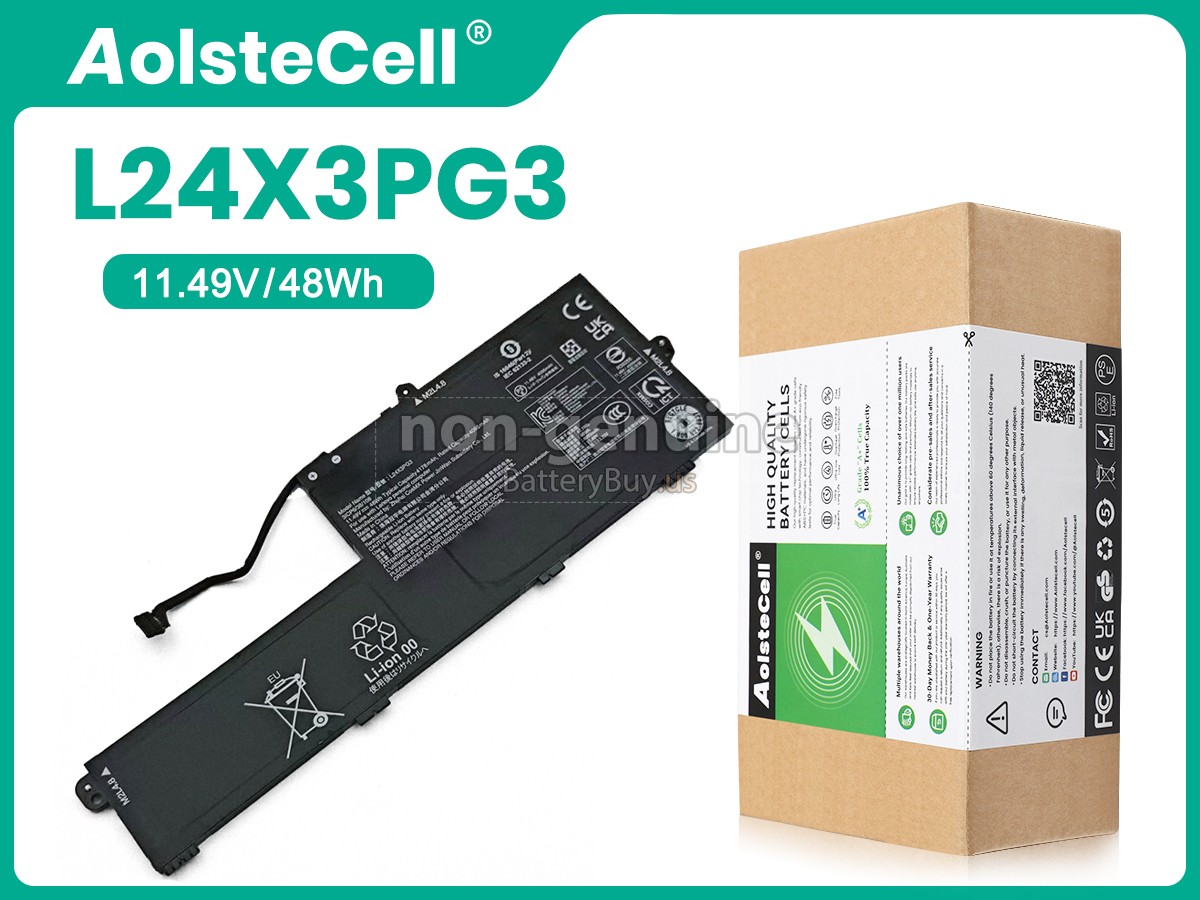
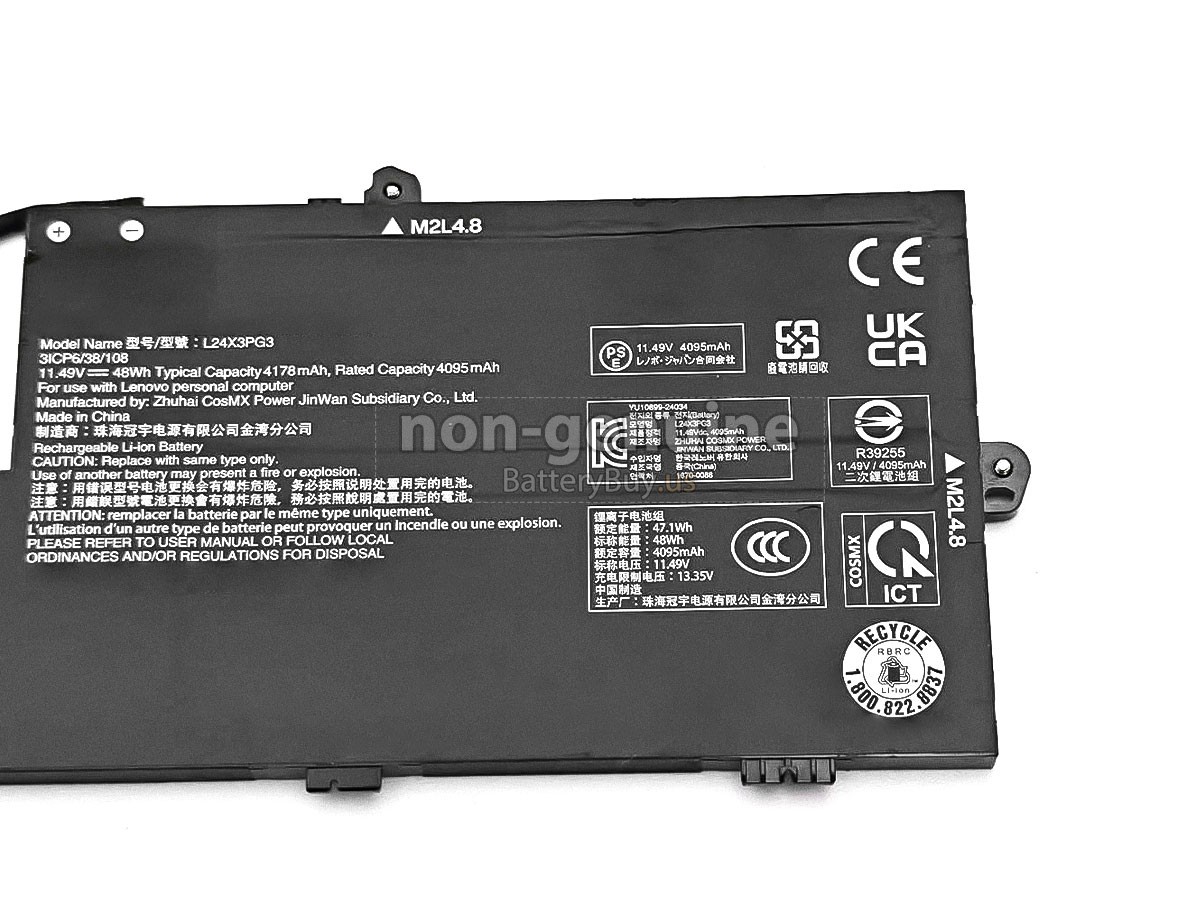
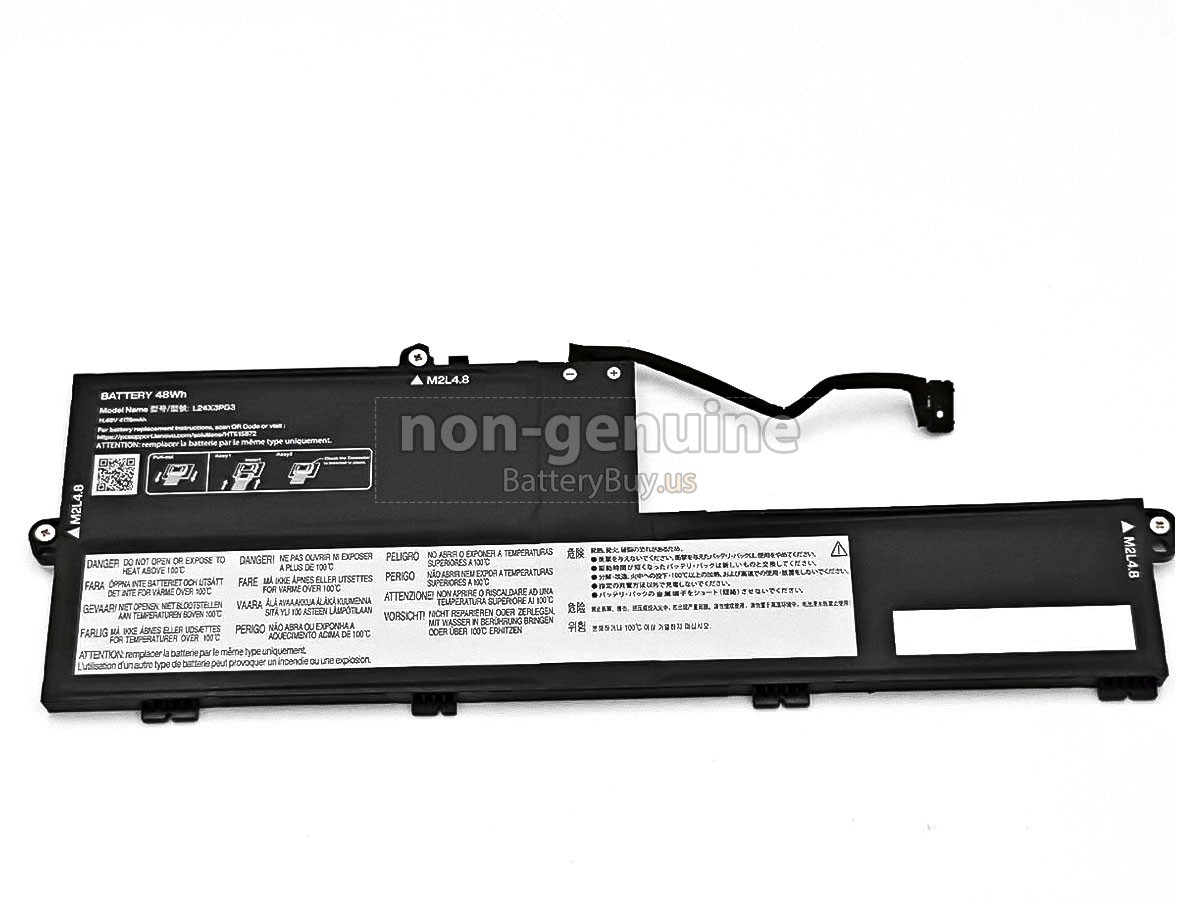
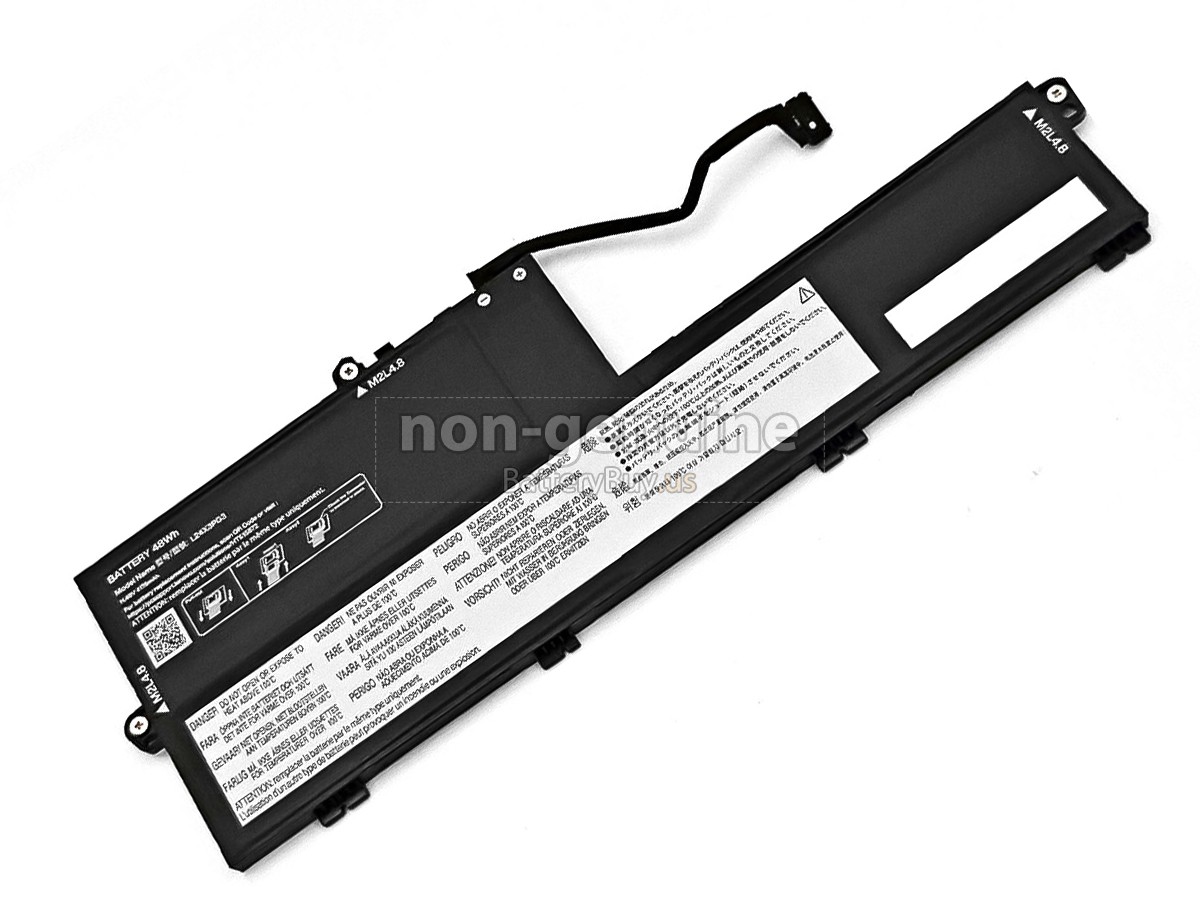
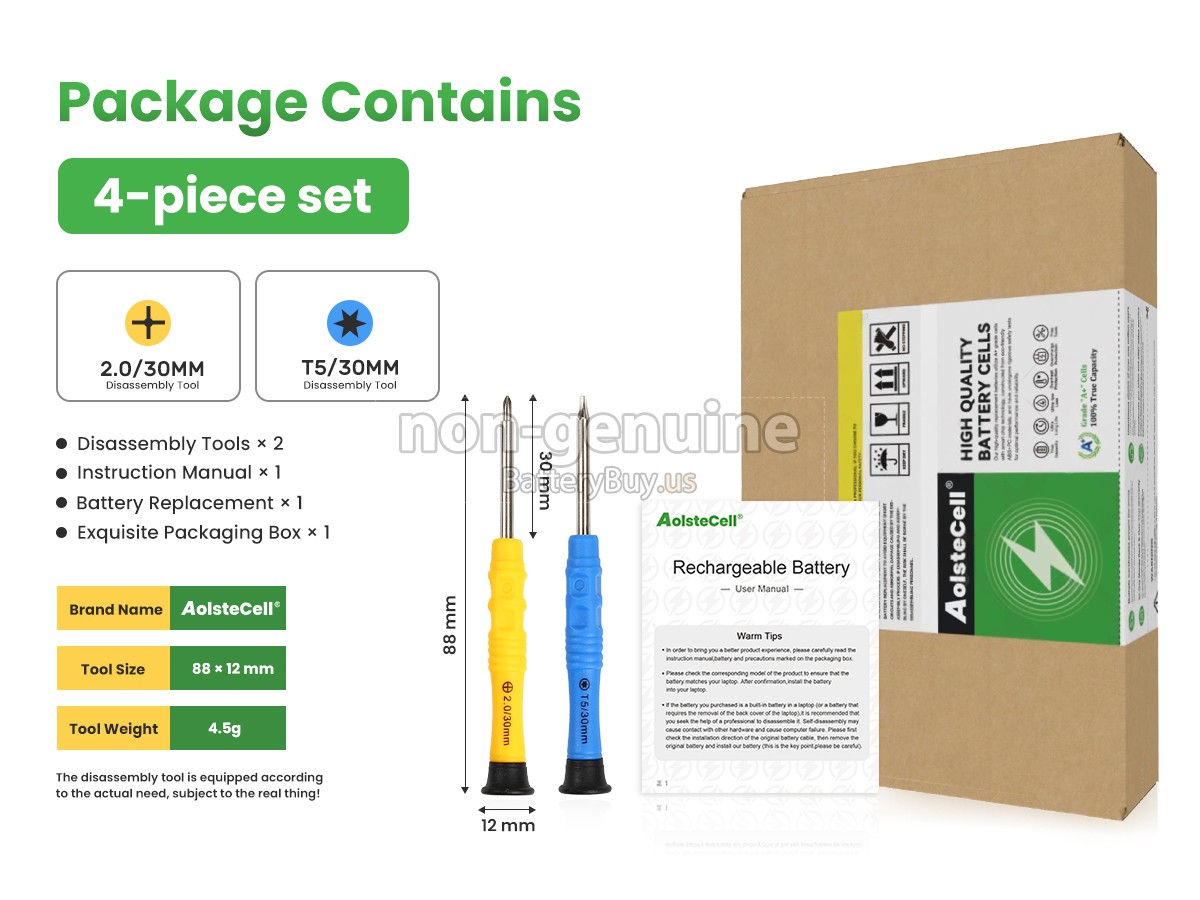

- SKUBUS11036
- ConditionReplacement, Brand New
- Voltage11.49V
- Capacity48Wh
- Number of Cells3 cells
- Cell TypeLi-ion
- ColorBlack
- Size*mm(L x W x H)
- Warranty1 Year
- AvailabilityIn Stock
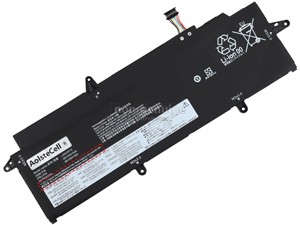
High-grade Battery for Lenovo ThinkPad E14 GEN 7-21U2002EMN (64Wh, 4 cells)
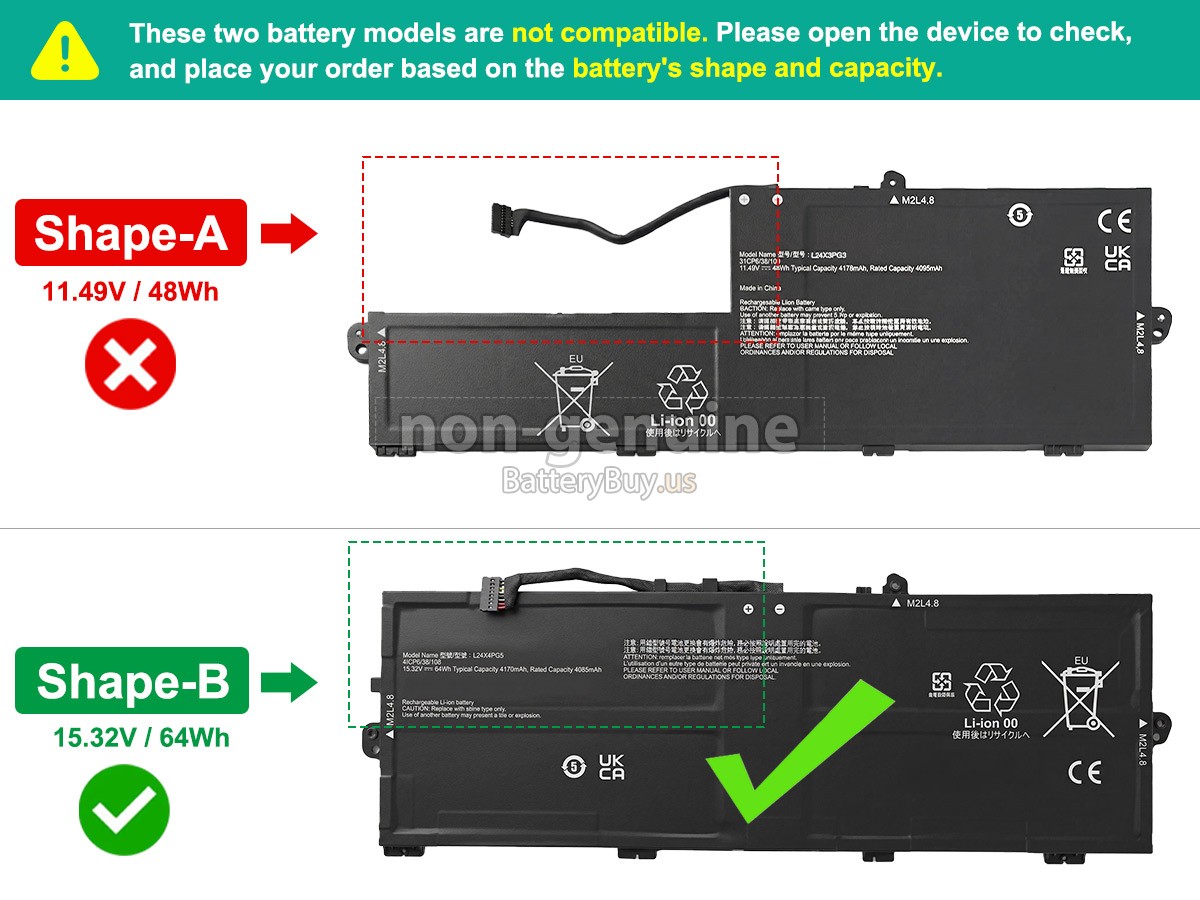
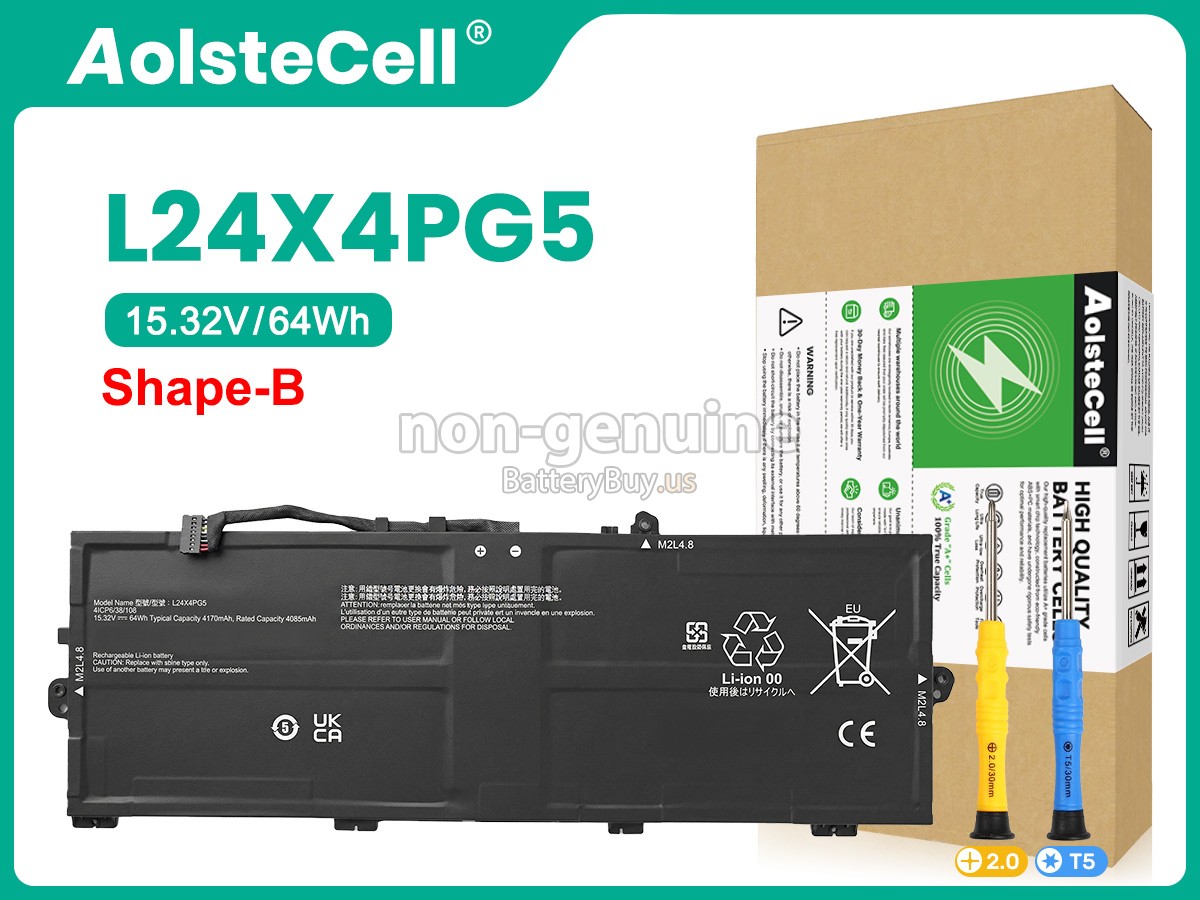
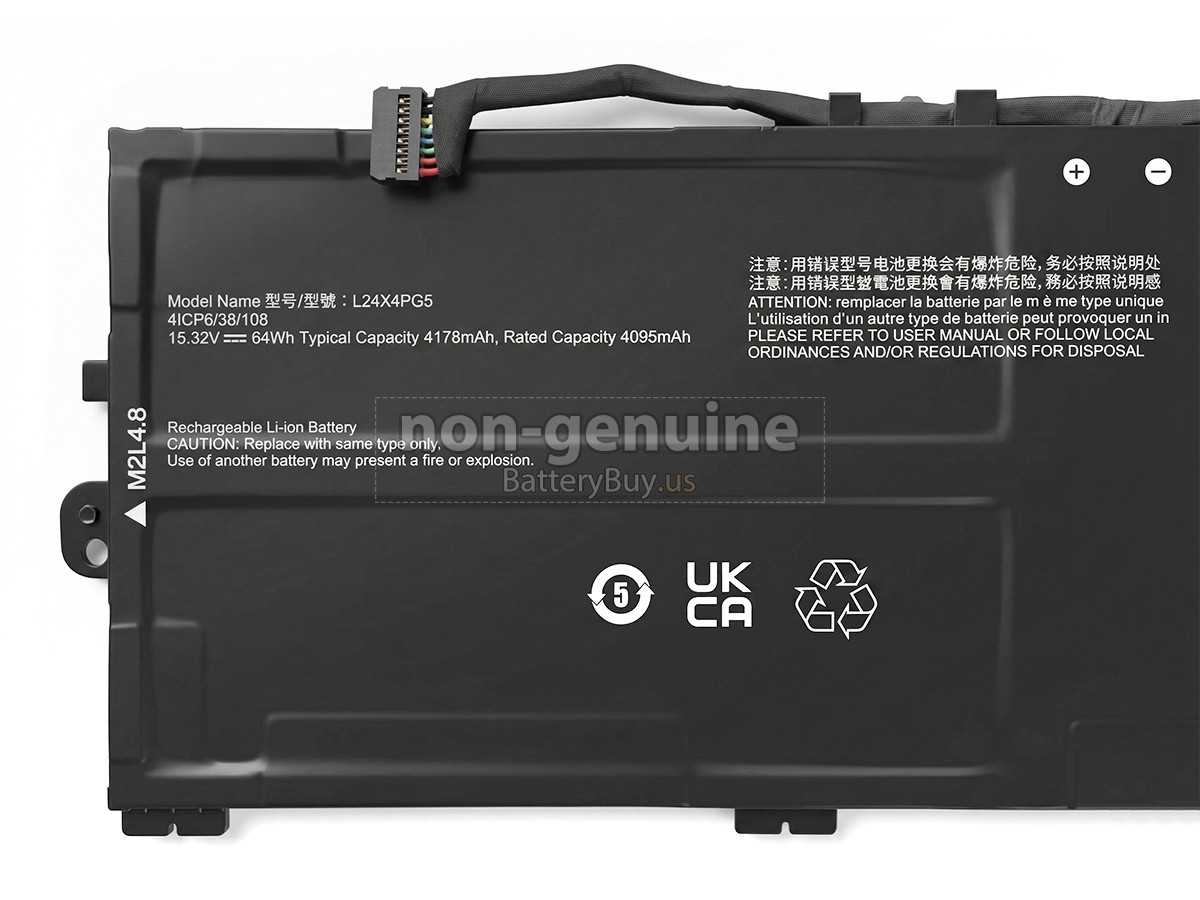
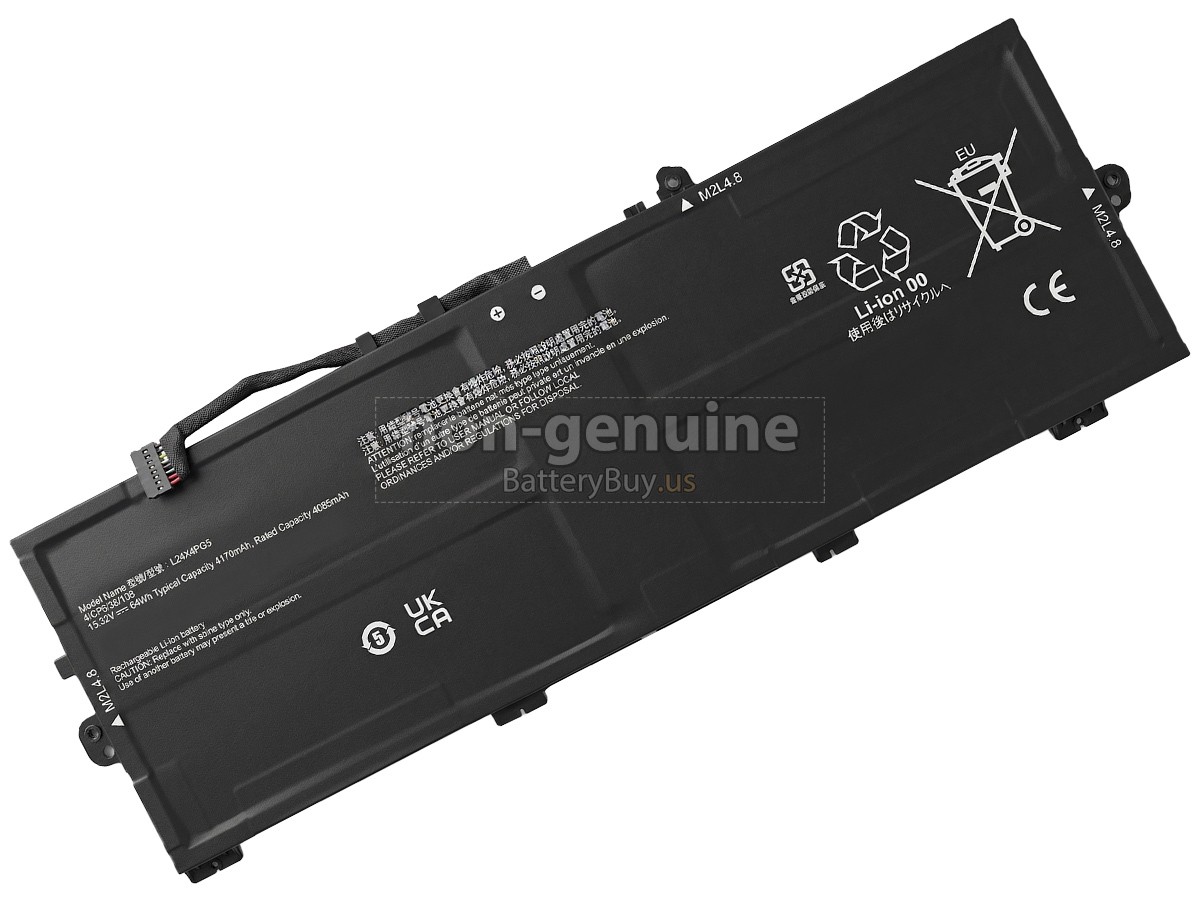
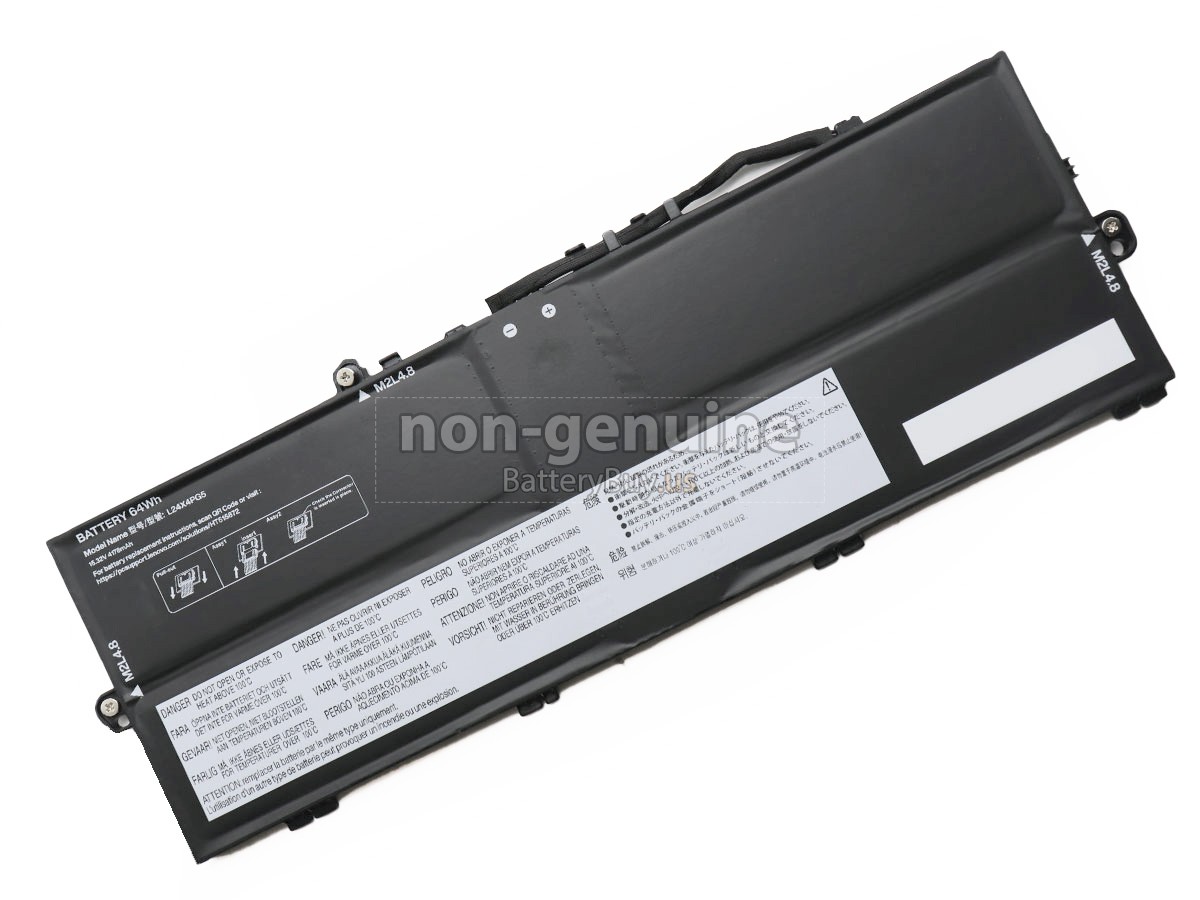
- SKUBUS12111
- ConditionReplacement, Brand New
- Voltage15.32V
- Capacity64Wh
- Number of Cells4 cells
- Cell TypeLi-ion
- ColorBlack
- Size*mm(L x W x H)
- Warranty1 Year
- AvailabilityIn Stock
Product Features
Excellent Quality,Thorough Service
The replacement battery for Lenovo ThinkPad E14 GEN 7-21U2002EMN from BatteryBuy.us will be your best choice. We offer a high-quality laptop battery at a more reasonable price. Our Lenovo ThinkPad E14 GEN 7-21U2002EMN batteries can be charged/discharged for at least 600 cycles. Being made of ABS plastic case and the original IC protection chip, it could give you the new experience of excellent durability.
With first-class quality assurance, the battery for Lenovo ThinkPad E14 GEN 7-21U2002EMN provides protections of voltage, short circuit, charging time, ESD, and so on. Each Lenovo ThinkPad E14 GEN 7-21U2002EMN laptop battery has passed a series of safety certifications, such as CE, UL, ROHS, ISO9001/9002. It will be rigorously tested by our technicians before being shipped to your hands. We will try our best to select a high-quality Lenovo ThinkPad E14 GEN 7-21U2002EMN battery for you.
In addition, we provide 30-Day Money Back Guarantee and a One-Year Warranty for you. If you have any dissatisfaction after receiving the battery for Lenovo ThinkPad E14 GEN 7-21U2002EMN, you can click the link to find more details about our Returns and Warranty service. Please rest assured to purchase from us!
Multiple Intelligent Protection
- INTELLIGENT PROTECTION
- VOLTAGE PROTECTION
- SHORT CIRCUIT PROTECTION
- ESD PROTECTION
- OVER HEAT PROTECTION
- OVER (DIS)CHARGE PROTECTION
- CHARGING TIME PROTECTION
- CLASS A PROTECTION
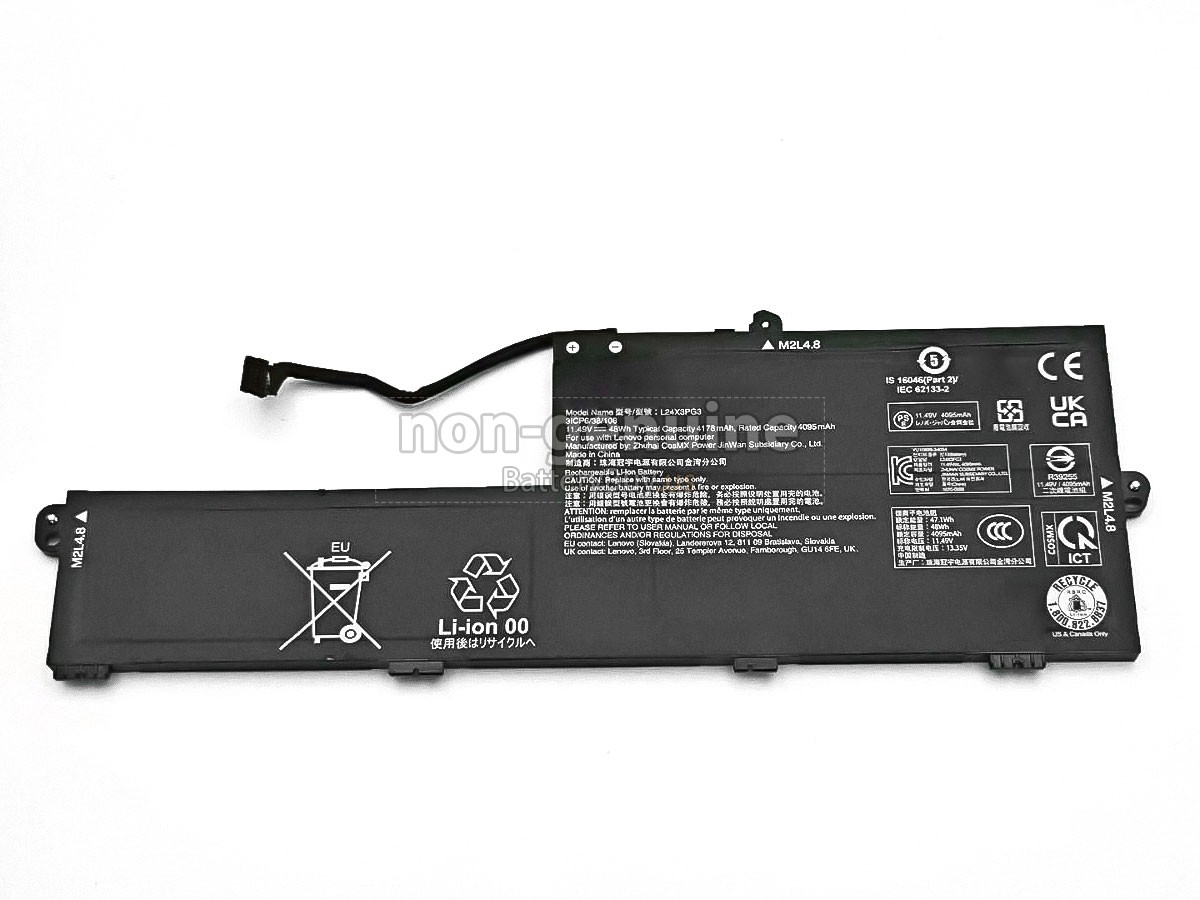
Product Larger Images
Compatible Lenovo Part Numbers
Compatible Lenovo Laptop Models
- ThinkPad E14 Gen 7-21U2002EMN
- ThinkPad E14 GEN 7-21SX000RED
- ThinkPad E14 GEN 7-21SX0045DK
- ThinkPad E14 GEN 7-21SX0073PE
- ThinkPad E14 GEN 7-21T00022VU
- ThinkPad E14 GEN 7-21T9001HFE
- ThinkPad E14 GEN 7-21T9001REQ
- ThinkPad E14 GEN 7-21T90032CK
- ThinkPad E14 GEN 7-21U2000EGX
- ThinkPad E14 GEN 7-21U20025MH
- ThinkPad E14 GEN 7-21U2002CRA
- ThinkPad E14 GEN 7-21U2004XIV
- ThinkPad E14 GEN 7-21U20061ED
- ThinkPad E16 GEN 3-21SR0072EQ
- ThinkPad E16 GEN 3-21ST001KEQ
- ThinkPad E16 GEN 3-21ST001VMH
- ThinkPad E16 GEN 3-21ST001YUK
- ThinkPad E16 GEN 3-21ST002QPB
- ThinkPad E16 GEN 3-21ST003NGP
- ThinkPad E16 GEN 3-21ST0041GX
- ThinkPad E16 GEN 3-21TF001SGQ
- ThinkPad E16 GEN 3-21TF0027CA
- ThinkPad E16 GEN 3-21TF002YML
- ThinkPad E16 GEN 3-21TF0036CX
- ThinkPad E16 GEN 3-22AY007GKR
Shipping Methods
Payment Methods

Warranty
1-Year Warranty
All our high-quality replacement batteries for Lenovo ThinkPad E14 GEN 7-21U2002EMN laptop come with a 1-year warranty. Warranty is applicable if the buyer has installed the battery properly in the device and has treated the battery correctly.
30-Day Money Back Guarantee
Our goal is to turn partial customer satisfaction into 'Total Customer Satisfaction'. That's why we offer you a 30-day money back guarantee, except for warranty and return for defects!
Please note: To qualify yourself for reimbursement, please contact our customer service first and get instructions before returning your parcel.
Returns
If you have a problem with one battery which bought from us, please contact us first. We will process your request and try to find a solution to your problem. Once it cannot be fixed by our technical support engineer, we will generate an RMA number (Return Material Authorization) for you to return the faulty battery. we will ship out a new battery without extra charge if the returned one turns out to be defective.
Please note: we won't process returned batteries if you don't provide an RMA number on the returned parcel.
FAQs
A: Through the product compatibility table, you can check if Lenovo ThinkPad E14 GEN 7-21U2002EMN replacement battery is compatible with your laptop model. Clicking product larger Images, you can confirm the selected correctness of Lenovo ThinkPad E14 GEN 7-21U2002EMN laptop battery. What's more, please pay attention to check if the voltage (rated value) is the same as your old one. For more details, please click How to find one correct battery for my laptop?
A: All rechargeable batteries are being spoilt gradually from the date it starts running. Performance degradation will be found by users in 18-24 months. When the runtime is unable to meet your demand, we'd suggest you buy a new Lenovo ThinkPad E14 GEN 7-21U2002EMN battery.
A: There is no need for you to charge the battery over 12 hours, just charge and discharge it normally instead. Because lithium-ion battery has no memory effect. Additionally, you should charge in time when the power remains only 10%-20%. If your battery won't be used for a long time, please charge it once a month and keep battery power over 50%. Moreover, there is no harm even if you charge the battery while using your laptop or supply external power in a fully-charged state. However, if your laptop has been running at high speed for a long time, which causes overheat insides, you'd better take the Lenovo ThinkPad E14 GEN 7-21U2002EMN battery out of the laptop.
1 Turn off the laptop and unplug the power cord.
2 Uninstall your old Lenovo ThinkPad E14 GEN 7-21U2002EMN battery carefully.
3 Use a clean cloth to wipe off the dust from the battery compartment. It'd be better to wipe the exposed conductive part with alcohol to remove the copper rust before installing a new battery.
4 Keep your laptop and battery in a cool dry place (heat may destroy a battery).
5 Install new Lenovo ThinkPad E14 GEN 7-21U2002EMN replacement battery into your laptop, and remember to close the battery latch.
popular Batteries